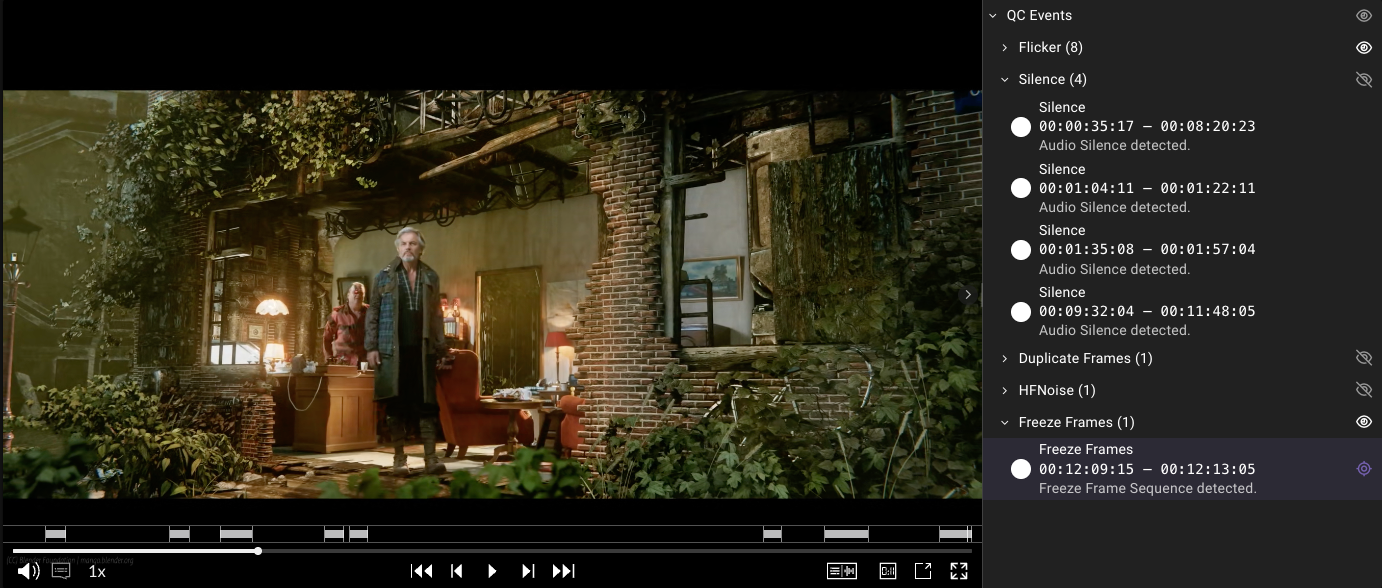
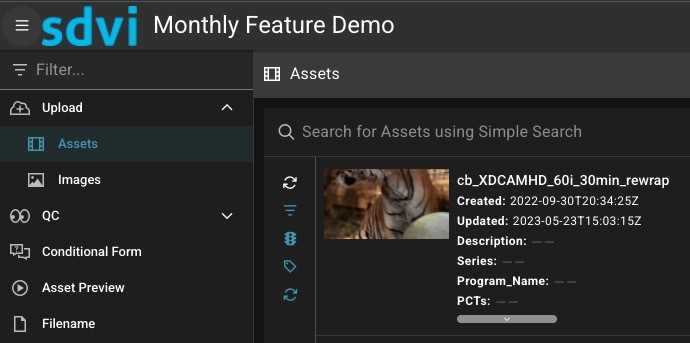
Rally supports increasingly global, high-volume media operations, and each quarterly update reflects a steady focus on making complex supply chains work simpler and faster. Updates to the platform in Q4 2025 enhance usability by removing friction from day-to-day workflows and by adding further flexibility and control. Shaped directly by the evolving and emerging needs of real-world Rally users, these updates support media organizations as they expand internationally, manage more variants per asset, and look for clearer operational insight across systems and teams.
For many Rally users, the most notable of the 2025 Q4 updates is a new default player, which is deeply integrated into Rally Core and Gateway to enable easier and more economical review of video alongside discrete audio and subtitle or caption files. Further Q4 updates include refinements such as clearer priority visualization and improved reporting context, as well as better support for multilingual interfaces, asset tracking, and custom integrations. SDVI also has added a new transform provider to the Rally Application Services ecosystem and introduced support for fresh upgrades from existing providers.
Jump to:
Usability Enhancements
New Rally Default Player
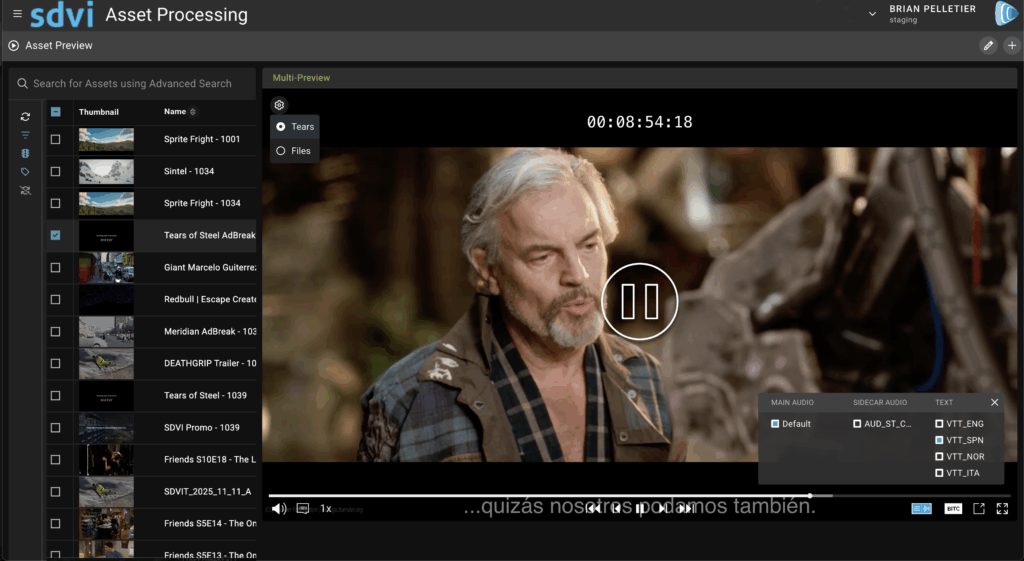
SDVI has replaced Rally’s previous video.js–based player with a more robust player — built on the Omakase framework — that significantly expands playback functionality within Rally. Users now can play back discrete audio files and stand-alone subtitle or caption files alongside proxy video, accelerating language track verification and subtitle alignment. Enhanced functionality also allows users to change configurations without leaving the player window, select from multiple audio and caption/subtitle sources during playback, and toggle a frame-accurate timecode display as needed.
Available both in the Preview Widget within Rally Gateway and directly in Rally Core, the new default player is accessible wherever users need to review content. In Gateway, users can configure which file labels are used for proxy video, audio, and subtitles or captions, thereby tailoring playback to suit different review and QC needs — a particularly helpful capability when working with multiple audio tracks or language versions. In Rally Core, organization-level settings now can be used to configure player behavior globally. And, with the ability to define multiple configurations, users can align player behavior with different asset schemas or workflows.
Addition of “last signed in” to Users Table
Because the Users table now includes the date a user last signed into Rally, administrators can more quickly scan the table and perform user cleanup.
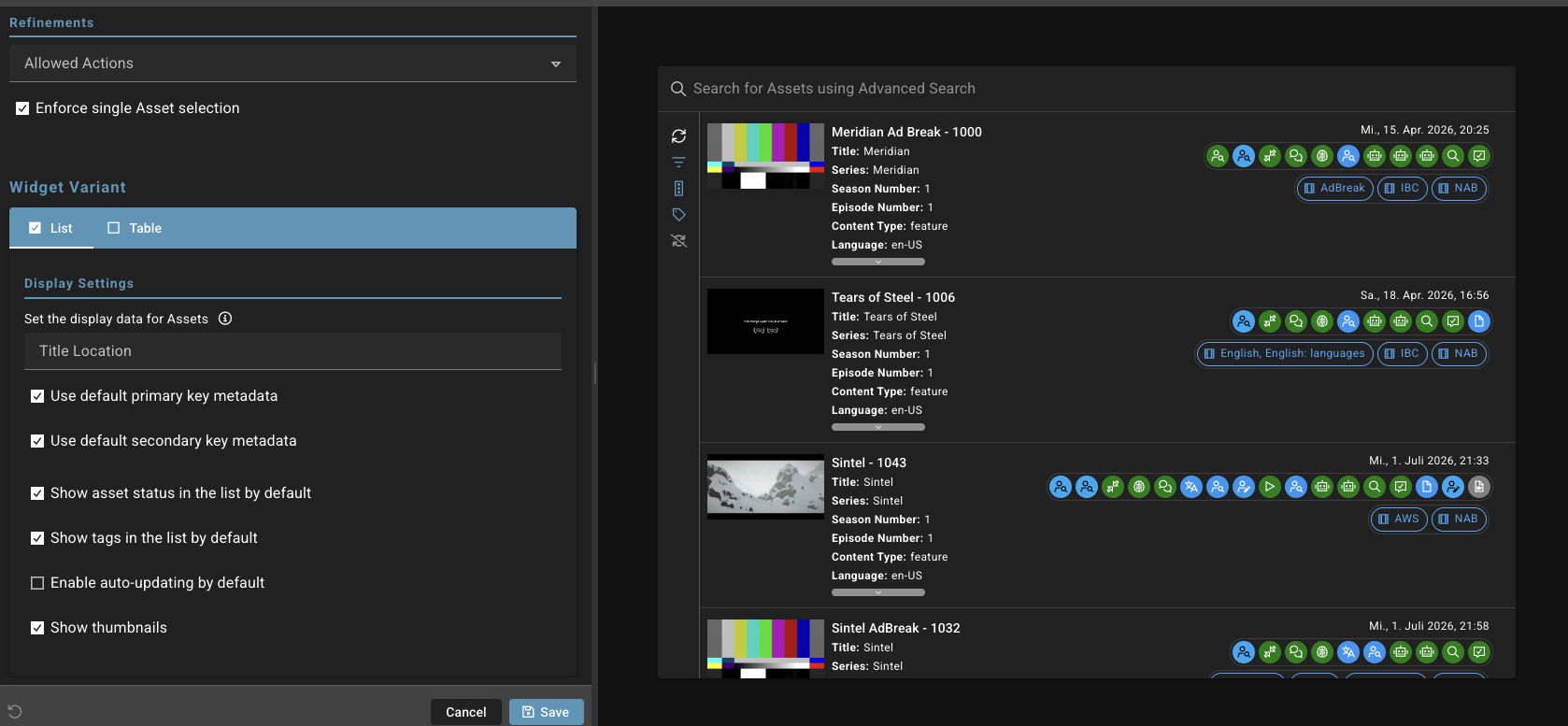
Rally Gateway: Expanded Number of Maximum Characters in Widget Titles
Widget titles within Rally Gateway are often created to inform users of the widget’s intended purpose. To better support international customers and use cases requiring longer widget titles, SDVI has doubled the widget title maximum length from 32 to 64 characters.
Priority Display Improvements
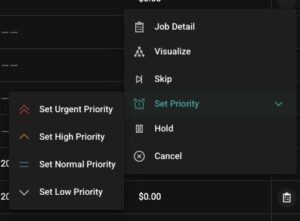 SDVI has added a visual indicator for job priority, more clearly distinguishing different priority levels and enabling faster identification of higher- or lower-priority jobs. These graphical indicators — for urgent, high, normal, and low — are present as users set job priority, and also in job lists and details.
Asset Usage Report: Report Date Added
The asset usage report has been updated to include the month for which the report was generated.
With this date information included, usage reports integrate into third-party data analytics systems more easily.
Job Usage Report: New Column Displays Rally Asset ID
The job usage report now includes a column displaying the Rally asset ID. This information supports accurate mapping of job usage and costs when assets with the same name are created and deleted multiple times within in a Rally supply chain.
Mover and MIO: Asset ID Now Serves as a Naming Macro
Supply chain engineers now can use the internal Rally asset ID as a naming macro in MIO when naming output files of any Rally job. This new capability helps to prevent naming schemes from overwriting files when assets with the same name are created and deleted multiple times in a Rally supply chain.
Ability to Set Python Package in a User-Defined Provider
While working in the UI, Rally engineers can now set the Python package that is needed in a user-defined provider. Simplifying access to external packages, this update removes complexity even for more intricate integrations.
Application Services Updates
New Provider: Hiscale FLICS
Rally now supports a new transform provider: Hiscale FLICS. With advanced plugins for image processing, standards conversion, and motion-compensated frame-rate conversion, as well as audio processing, FLICS supports all major broadcast and web formats.
FFmpeg 8.0 Support
FFmpeg providers within the Rally Application Services ecosystem now support version 8.0.
Analyze: Upgrade to MediaInfo 25.10.1
The Analyze provider has been upgraded to MediaInfo 25.10.1.
Decision Engine: Python 3.14 Support
Decision Engine providers now support Python 3.14.
—-
Please contact us to learn more about any of these new Rally platform enhancements or to have the SDVI team walk you through a demo.