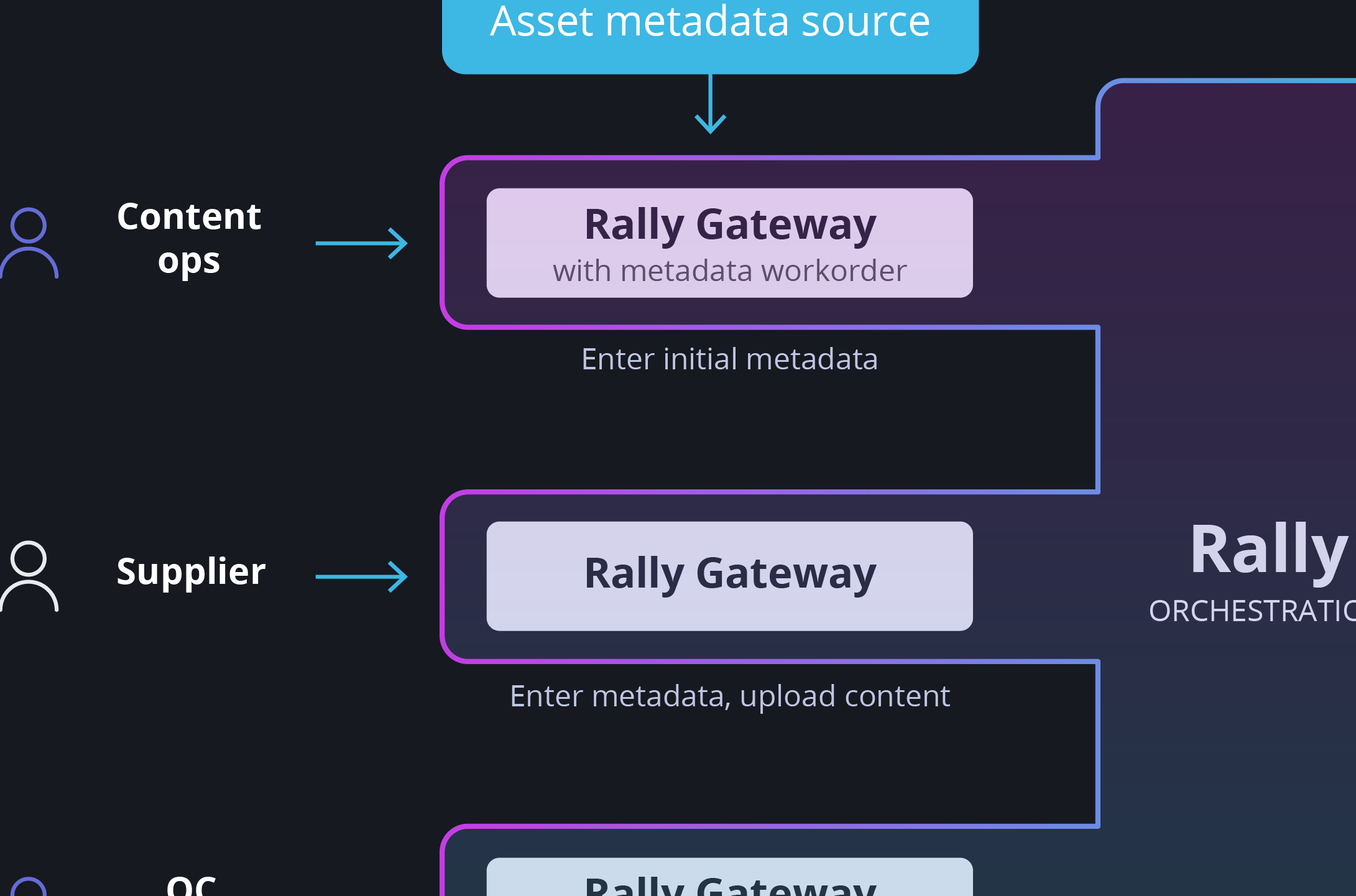
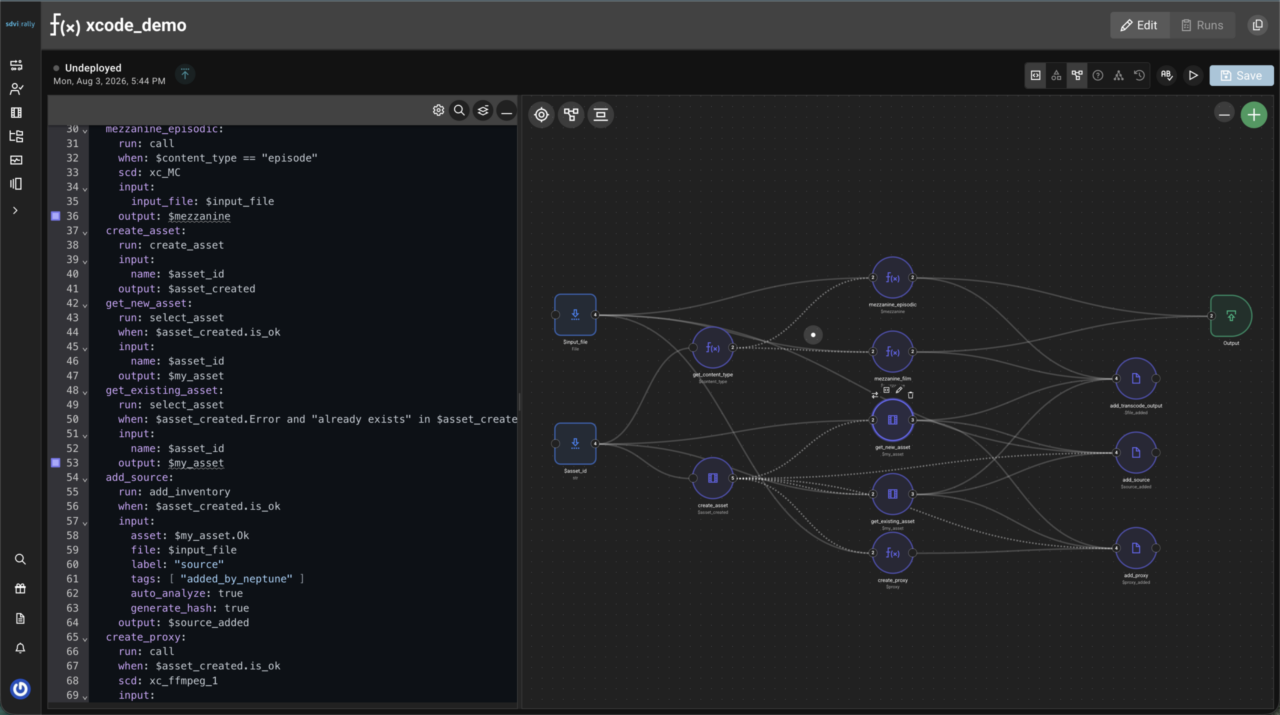
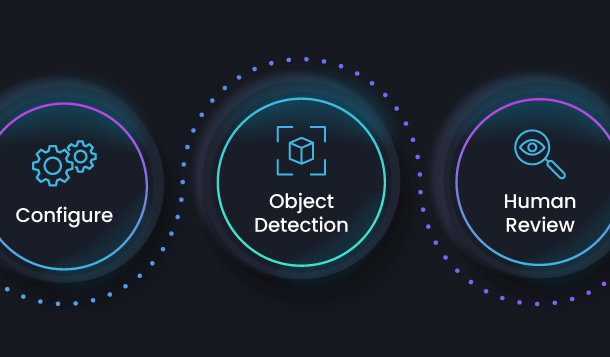
Updates to Rally in Q1 of 2026 support users as they continue to scale their media supply chains — processing more content, orchestrating more workflows, and coordinating across larger teams. Recent enhancements to the platform complement automation of larger processes by reducing friction in high-volume workflows, extending visibility into system activity, and enabling tighter integration with surrounding systems.
Enhancements for usability and efficiency — including improved upload management, faster access to saved searches, more flexible configuration, and expanded integration options — make it easier for organizations and their operators to manage multiple supply chains, handle large numbers of files, and streamline common tasks. SDVI’s updates to Rally this past quarter also enhance the Rally Application Services ecosystem, adding further provider capabilities and support for new integration options.
Jump to:
Efficiency Enhancements
Preview Widget Workorder Mode
The Preview Widget in Rally Gateway now supports a workorder mode. The Preview Widget loads video, audio, and subtitle files as specified in the workorder, allowing operators to verify alignment, language, and correctness of supplied subtitles and dubs directly from the workorder. An accompanying Metadata Widget enables approvals or rejections, with the outcome feeding directly into subsequent supply chain execution.
Saved Input for Forms
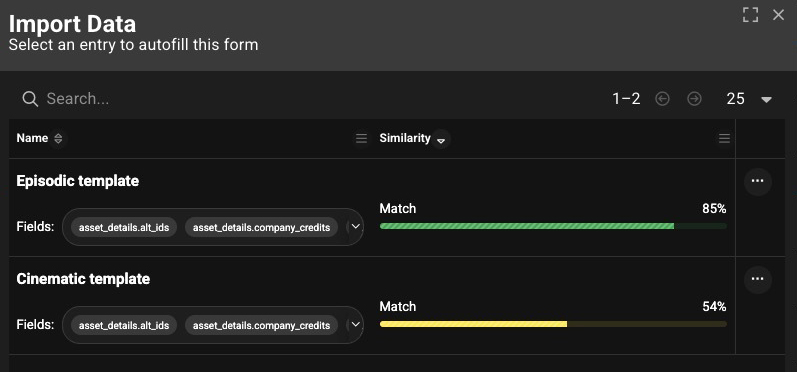
Operators manually entering large volumes of repetitive data into Gateway Metadata Entry Widgets can now save form entries to local storage and recall them in subsequent sessions. This enhancement allows operators to streamline and accelerate repeated entry of similar data, as when ingesting multiple episodes of the same show or type.
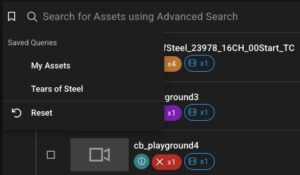
Saved Searches Enhancements
Saved searches are now available via a new icon in the search bar, giving operators much faster access to those saved searches. The icon appears only if a user has set up saved searches, and it also serves as a visual indicator when a saved search is in use.
Gateway: Single-Page Import/Export
Rally Gateway administrators now can export a page from a Rally Gateway, in addition to exporting whole Gateways. This allows administrators to import and export specific pages between Gateways without exporting entire configurations, making it easier to reuse and share page layouts and UX workflows across operators.
Duplicate JSON Lists in the Rally UI
Lists within Rally are often used multiple times, with only small changes. Because JSON lists now can be duplicated in the Rally UI, administrators can quickly create a copy and adjust that list rather than build each new list from scratch. This enhancement speeds up list creation, especially in environments with many similar but distinct configurations.
Decision Engine: Pip Import Support
Python packages can now be imported to the Decision Engine via a pip import statement in the Rally portion of the preset. Packages are installed on first provider initialization and persist thereafter, simplifying custom package management. The existing zip import method continues to work as well.
Integration Enhancements
Delivery Usage Reporting
A new Connect usage report enables Rally users to track and export monthly delivery usage and costs. While existing deliveries reporting focuses on licensed content available on endpoints, this new reporting enables users to track delivery spending over time and simplifies integration into chargeback or budget tracking workflows.
Workorder Notification Enhancements
Workorder notifications now include the ID of the individual assignee and workorder owner. This enhancement allows external systems, such as ticketing or project tracking tools, to be updated automatically when a workorder is assigned or reassigned, supporting tighter integration between Rally and third-party operational workflows.
Usability Enhancements
Upload Management Enhancements
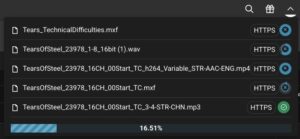
A new icon in the top bar centralizes upload management, showing the status and progress of all active uploads. Operators can navigate away from the Rally or Gateway page to start other work while uploads continue in the background, making it easier to multitask during long uploads. Closing the tab or entering a new address will cancel the upload.
Custom Error Messages in Forms: Doc Update
Rally documentation has been updated to provide more detail and examples for custom error messages in metadata entry forms. These messages allow administrators to tailor validation errors to the use cases and operators, increasing the efficiency of metadata and content operations.
Supply Chain Trigger UI Notification Update
UI notifications shown when supply chains are triggered in Gateway now include the asset name as well as the name of the supply chain. As a result, operators can better use the UI notification history maintained by Gateway to quickly check previously triggered work against assets and confirm their results.
Omakase Player Updates
Rally’s default media player, Omakase Player, now supports QuickTime files that wrap H.264 video. This enhancement addresses the needs of users working with .mov proxies, which are often used for storing start timecode. The player also now supports audio routing, enabling routing and soloing/muting of each channel in multi-channel files and, in turn, supporting separate audio channel monitoring.
Decision Engine: Edit Status Indicator Icons
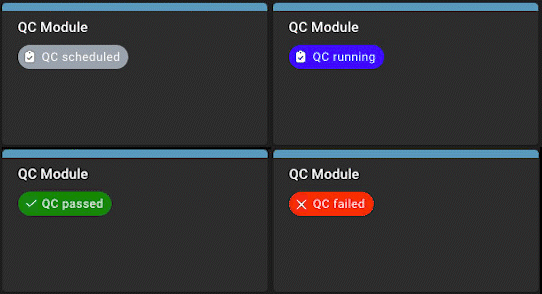 Status indicator icons can now be edited along with colors and messages. While changing an icon previously required recreating the status indicator, which could disrupt the intended sequence, icons now can be updated directly, keeping status markers in their correct position in the sequence.
Decision Engine: files.get_inventory_labels
A new Decision Engine function lists only the label for each file in inventory, without including all file info. This enhancement accelerates execution for assets with numerous files, supporting a workflow in which operators first find the file of interest, then get details for that file if needed.
Provider Enhancements
Analyze: HLS Playlist Interrogation
The Analyze provider now enables users to gain more information from HLS playlists, interrogating the playlist files to return duration, variant stream details, and other relevant fields. Supply chain engineers thus gain better visibility into HLS content without needing to download and inspect the thousands of individual media segments that make up an HLS stream.
Kafka Notification Preset Support
Kafka support has been added to notification presets, enabling bidirectional, event-driven integration with external systems via Kafka topics. Rally events can feed directly into existing Kafka-based pipelines, and Rally can in turn receive and act on incoming Kafka messages, just as with other supported notification types.
—
Please contact us to learn more about any of these new Rally platform enhancements or to have the SDVI team walk you through a demo.