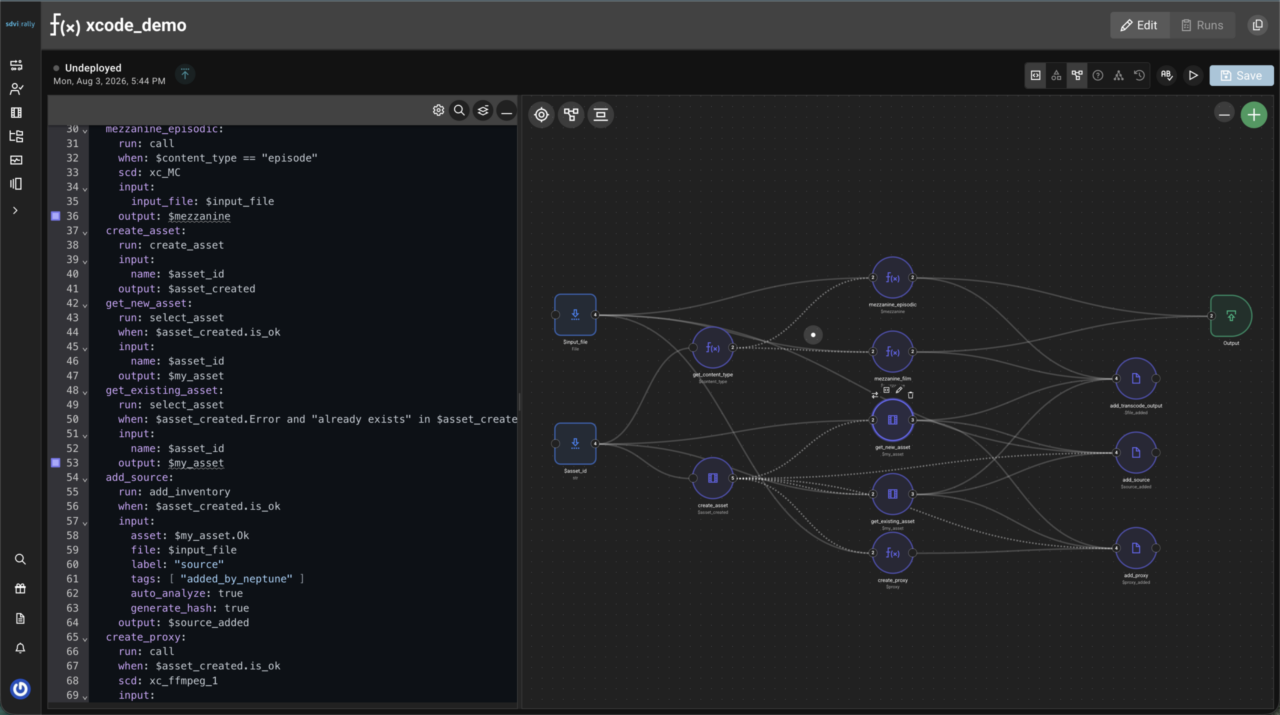
We’re excited to announce that we’ve introduced a new default proxy player in the latest release of the Rally platform. The new player is available directly in the main Rally Core UI and through Rally Gateway pages, providing a consistent, accessible playback experience wherever you review content. This upgrade unlocks a range of new capabilities, including the ability to play back discrete audio files and standalone subtitle or caption files alongside proxy video.
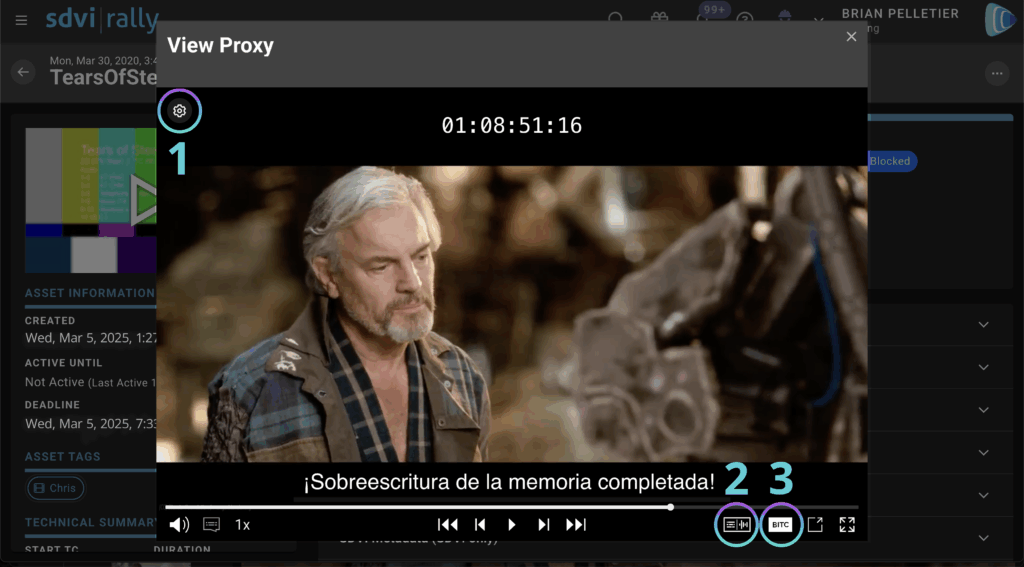

The new Rally player allows you to:
- change configurations without leaving the player window
- select from multiple audio and caption/subtitle sources during playback
- toggle frame-accurate timecode display as required
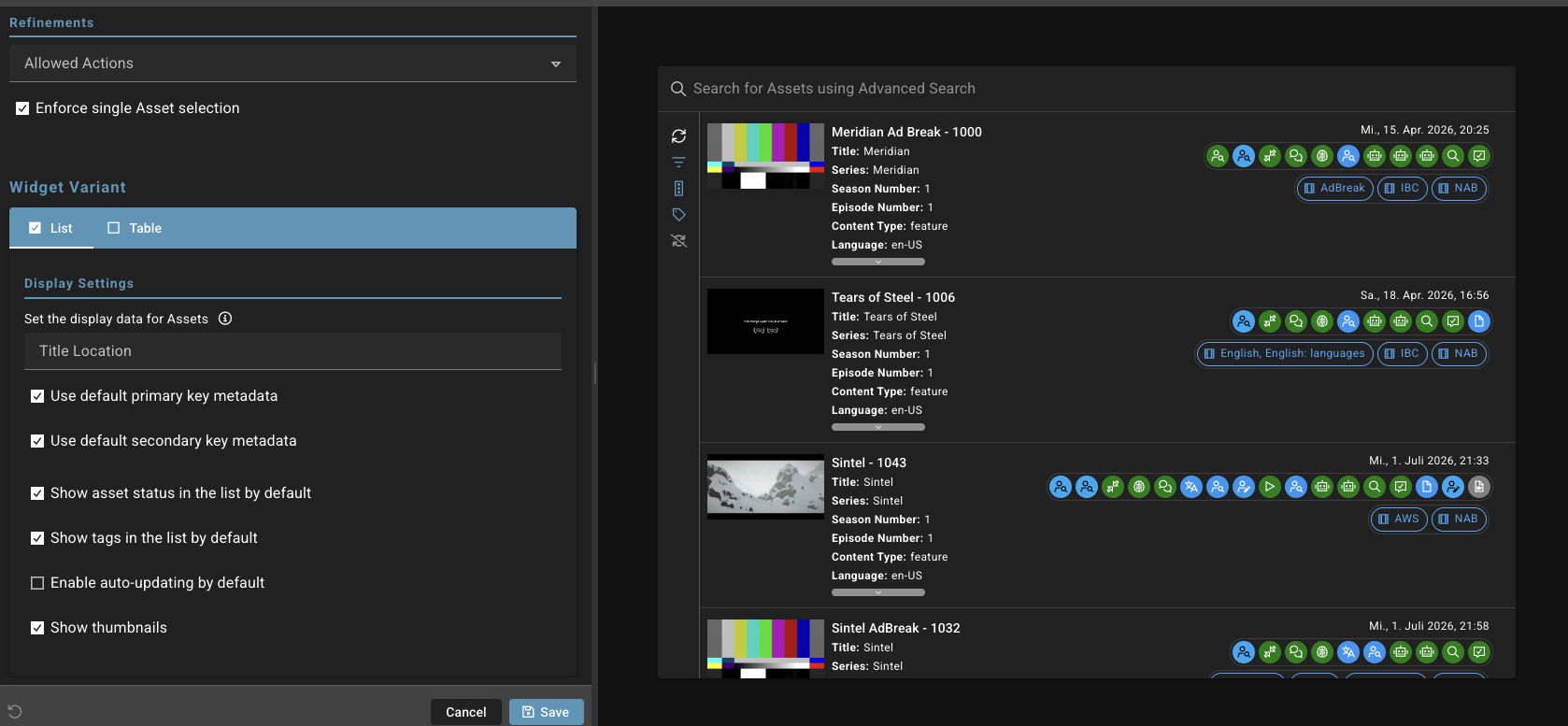
The player is integrated into the Preview widget on Rally Gateway, where users can configure which file labels are used for proxy video, audio, and subtitles or captions. This makes it easy to tailor playback to different review and QC needs, especially when working with multiple audio tracks or language versions.
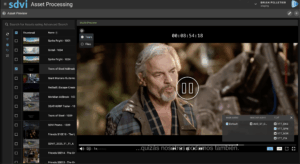
In Rally Core, organization settings can be used to configure player behavior globally. Multiple configurations can be created and easily accessed, allowing teams to align the player behavior with different asset schemas or workflows. While this release focuses on core playback and configuration capabilities, additional subtitle and caption formats, along with expanded functionality, are planned for the coming year.

Please don’t hesitate to reach out to the Technical Account Team with any questions or for assistance with configuration.